Loyalty cards / passes
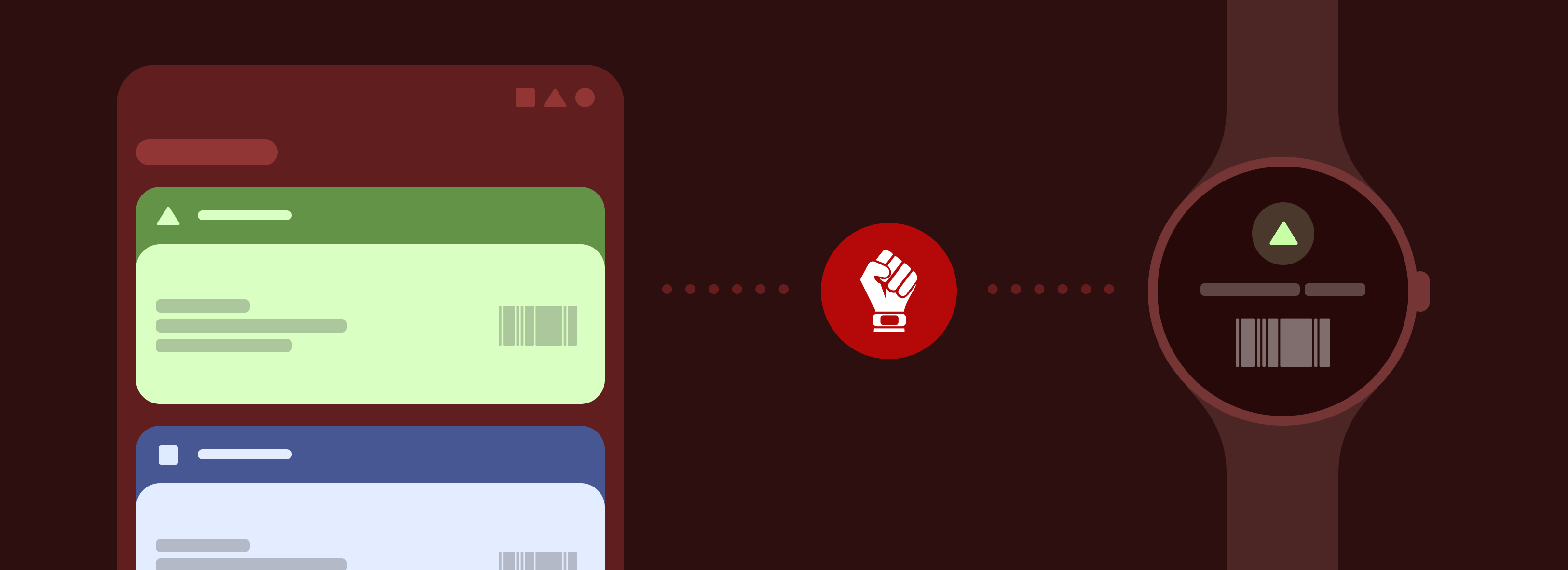
Gadgetbridge can sync loyalty cards and passes stored in supported apps with gadgets that can store loyalty & membership cards.
The following loyalty cards / passes apps are supported:
The following devices are supported:
The cards are synced on-demand by clicking a button in the preferences. Gadgetbridge will check if the gadget supports storing cards, and if not, you won't be able to see the Loyalty Cards option in Gadgetbridge.
Catima support was added with pull request #2953 for Zepp OS gadgets, and with pull request #3268 for Bangle.js. FossWallet support was added with pull request #6003.
Not to be confused with contactless payments
Note that loyalty cards are different from contactless payments, the former is just about noninterchangeable barcodes which is used for tickets, memberships and loyalties, thus can't be used for communicating & paying on point-of-sale payments.
For the latter, both your gadget manufacturer and the bank needs to support paying from your gadget, which usually requires an business arrangement with the bank and integrate their proprietary code, such as in Zepp Pay.
So contactless payments is not supported in these apps and Gadgetbridge, and probably won't be possible ever in foreseeable future due to its legal complexity and privacy concerns as stated above.
Bangle.js
Install Cards app on your Bangle.js to access the synced cards stored on your loyalty card / pass app. Both Bangle.js 1 and Bangle.js 2 are supported.
Bangle.js supports these barcode types:
CODE 39, CODABAR, QR CODE, and with pull request #3844, it also supports EAN 8, EAN 13, UPC A, UPC E. For any other barcode type that is not supported, the "Cards" app on Bangle.js will show the plain value of the barcode.
Zepp OS
There is no list of Zepp OS gadgets that supports storing loyalty cards, but apparently, gadgets with Zepp OS version from 2.0 and onwards1 has a feature named "Membership cards", which allows displaying loyalty cards on the gadget. Some of known gadgets that have "Membership cards" feature are (not an extensive list):
- Amazfit Active Edge
- Amazfit Active
- Amazfit Balance
- Amazfit Bip 5
- Amazfit T-Rex Ultra
- Amazfit Cheetah
- Amazfit Cheetah Pro
- Amazfit Cheetah Square
- Amazfit GTR Mini
- Amazfit GTR 4
- Amazfit GTS 4
- Amazfit Falcon
- Amazfit T-Rex 2
Not all of these listed gadgets has the "Membership cards" feature out-of-box, so you might need to flash the latest firmware update on your gadget to have the feature.
Zepp OS supports these barcode types:
CODE 128, CODE 39 and QR CODE. Additionally, UPC A, EAN 13, and EAN 8 are also supported if the firmware is upgraded. Due to limitations of these gadgets, only a maximum of 20 membership cards can be added.
-
Supported gadgets are found by looking their product websites and user manuals, since they all mention Zepp OS 2 (or up), and "Membership cards" feature, it can be assumed that it is a Zepp OS feature rather than something done on specifically to the gadgets. ↩